01
Open Limitless
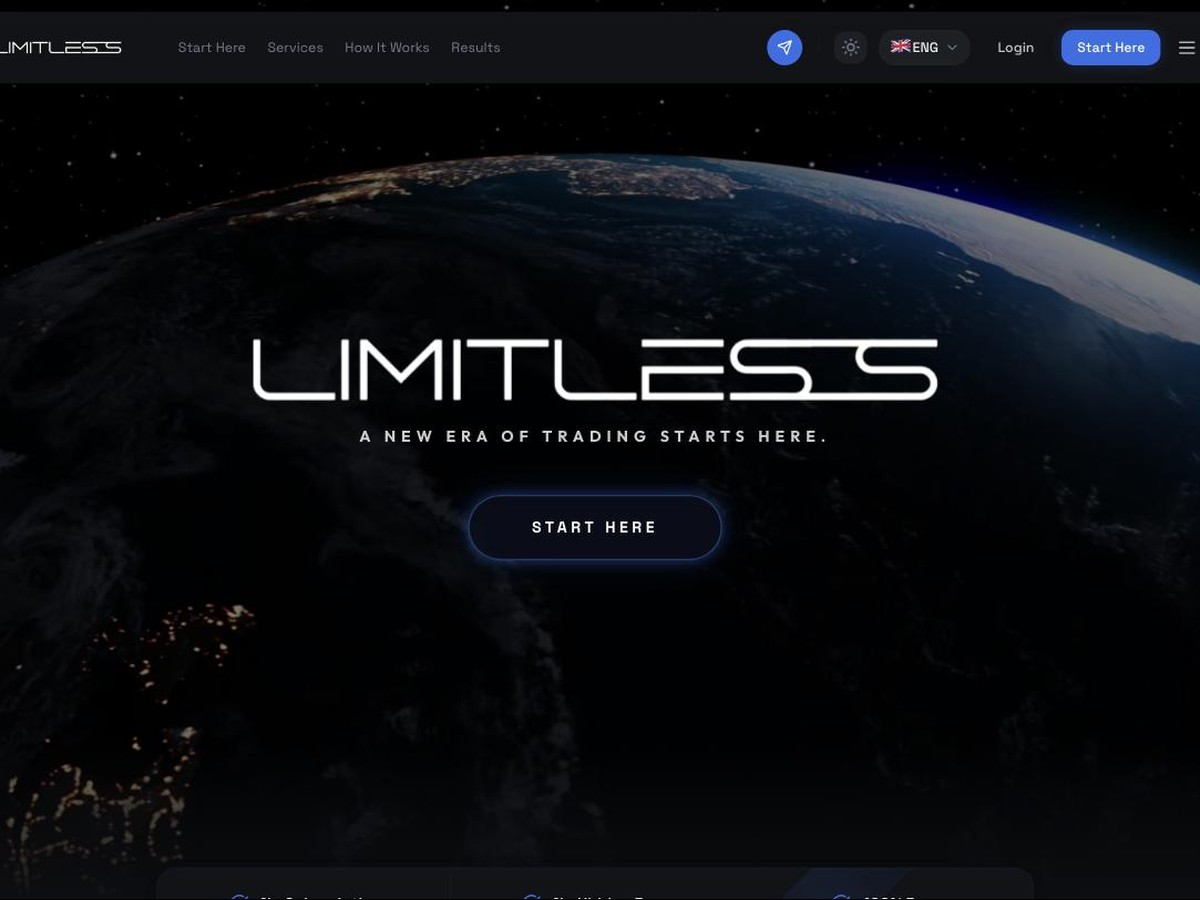
Click through to Limitless and choose "Start Here", then "Rest of the World".
PU Prime, where you trade yourself. Setting up the other one instead? Go to the automation.
01
Click through to Limitless and choose "Start Here", then "Rest of the World".
02
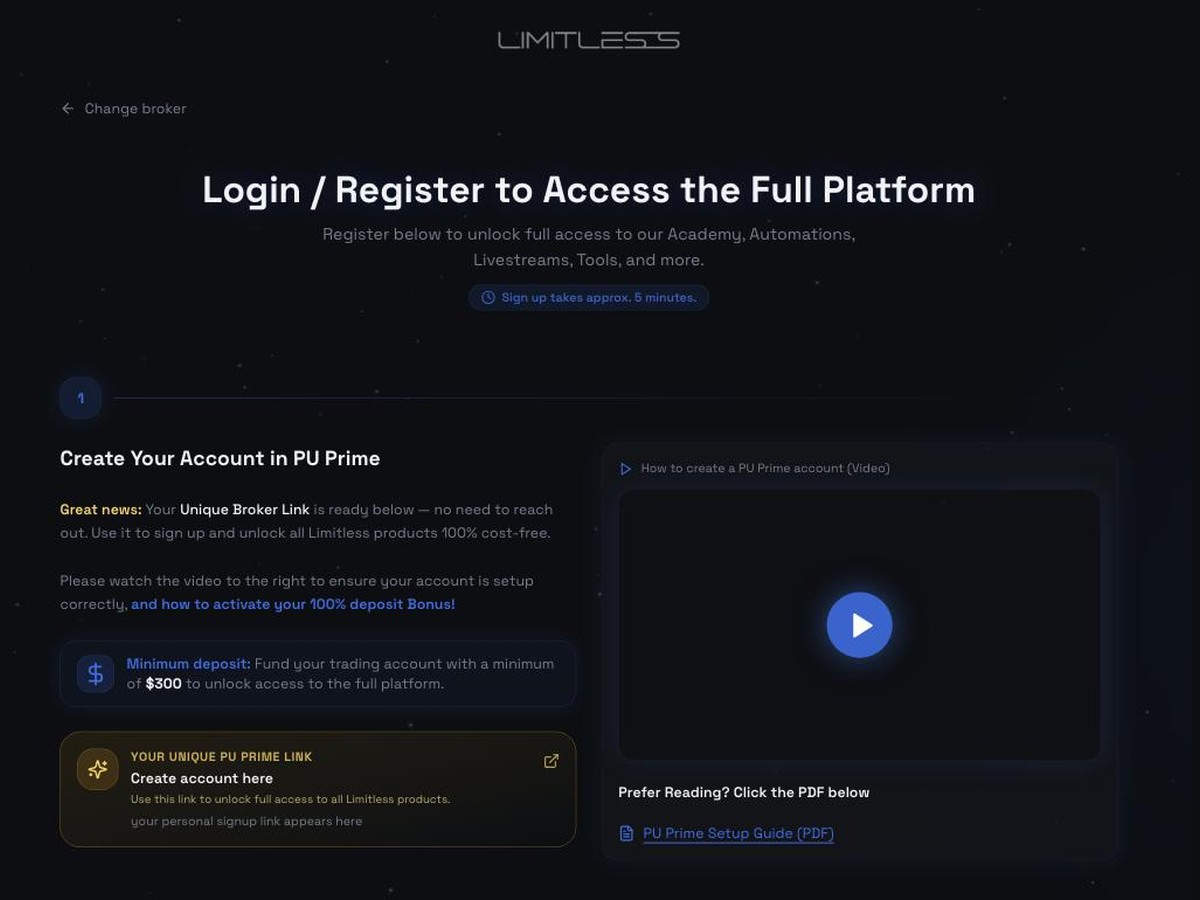
Choose PU Prime. Register with the link, then verify your identity. If you already have a PU Prime account you don't need a new one — message us and we'll send you the transfer template.
03
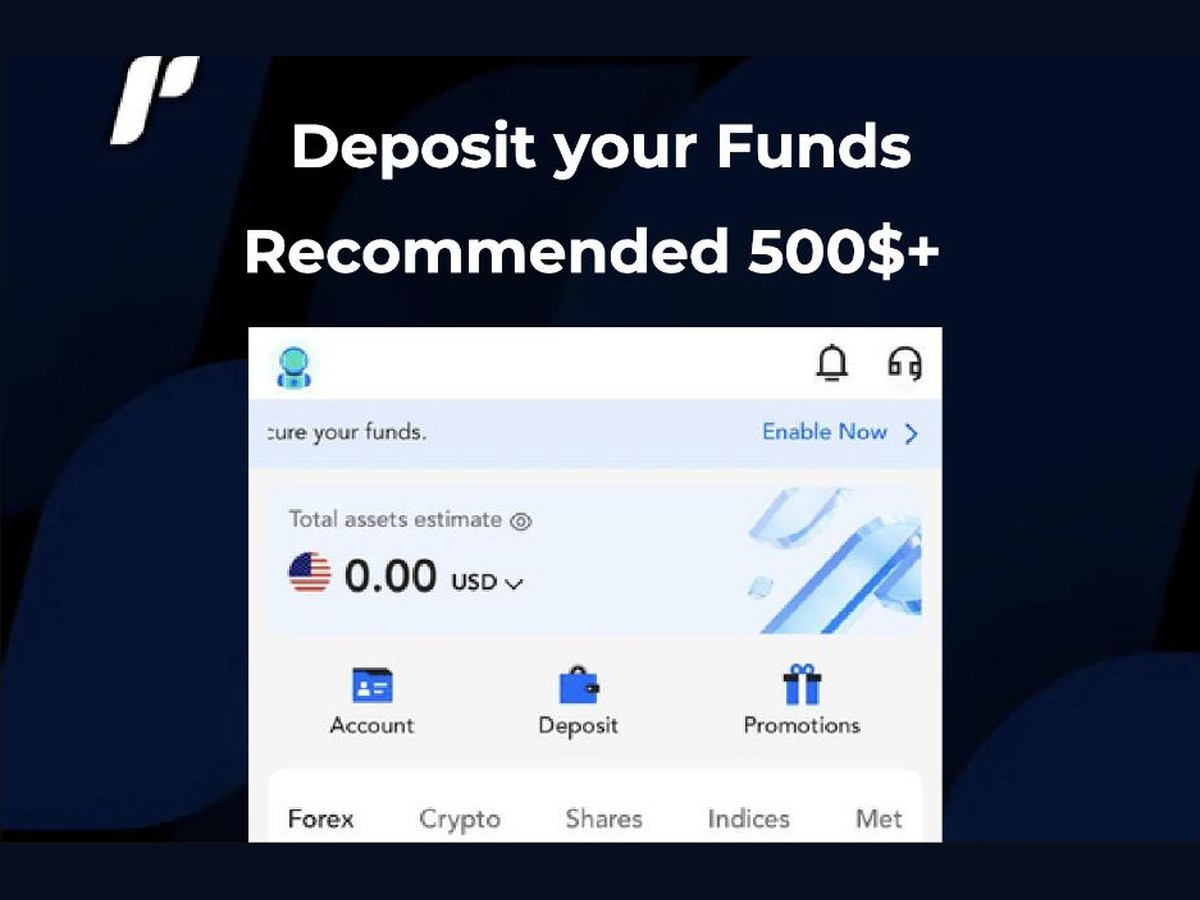
Deposit at least $300 of your own trading capital. Most people start with more. This is your money, in your own account, in your name — never a payment to us.
Trading involves real risk. Only use money you can afford to lose.
04
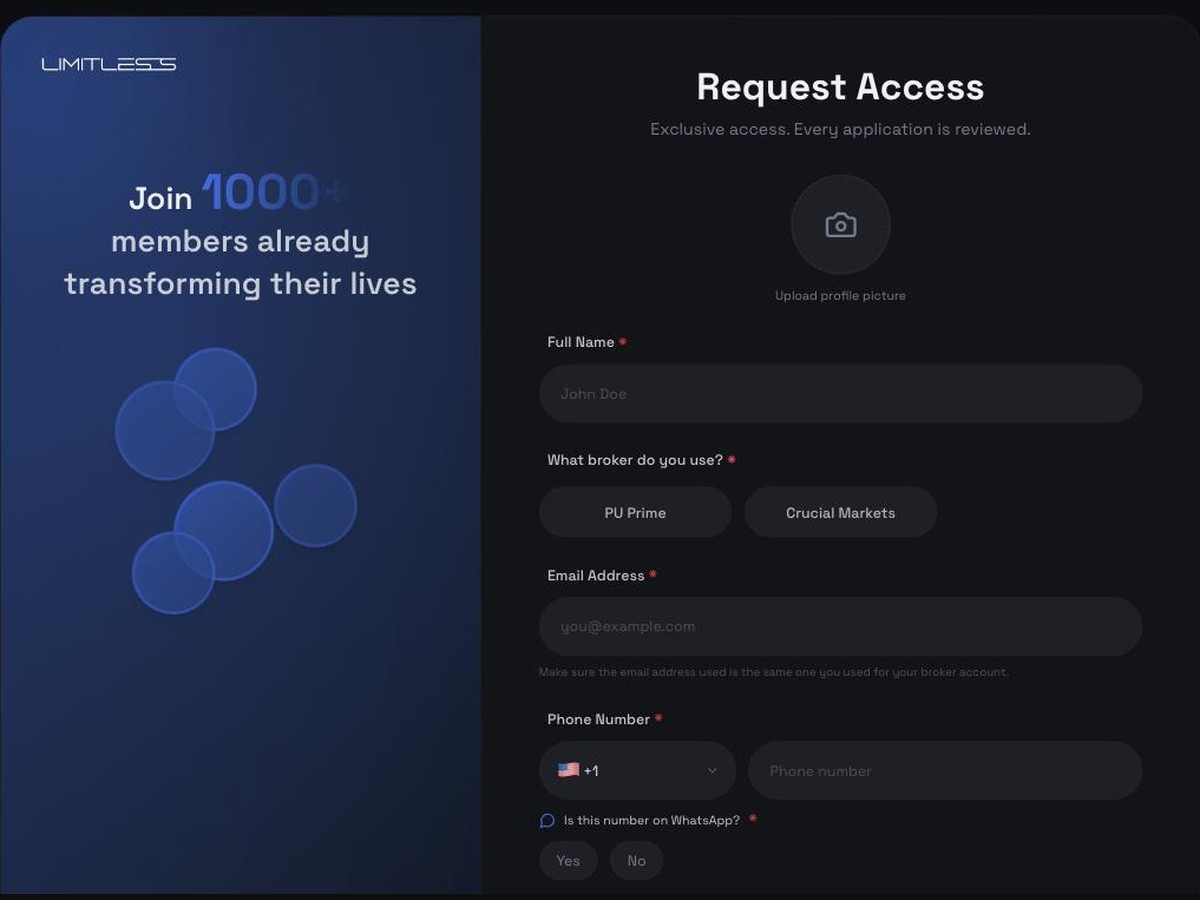
Put your Telegram username in the form when you sign up, then send us the word "Ready". We'll check everything is linked, and from there the Limitless support team handles anything technical.
If you want a strategy running alongside what you do by hand, that's a trade.com account — $300 of its own, funded separately. Same support, same process. No rush, and nothing here has to change.
Set that up too